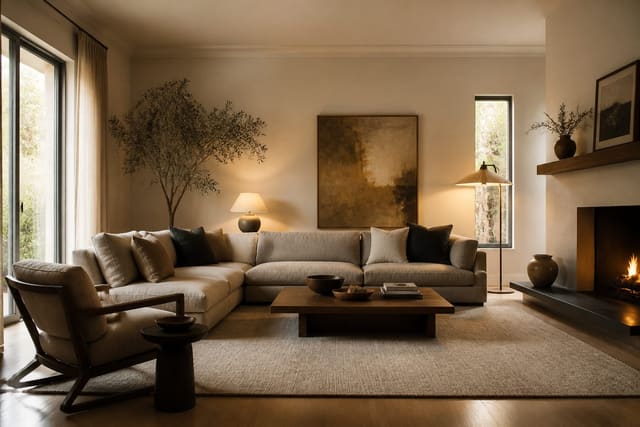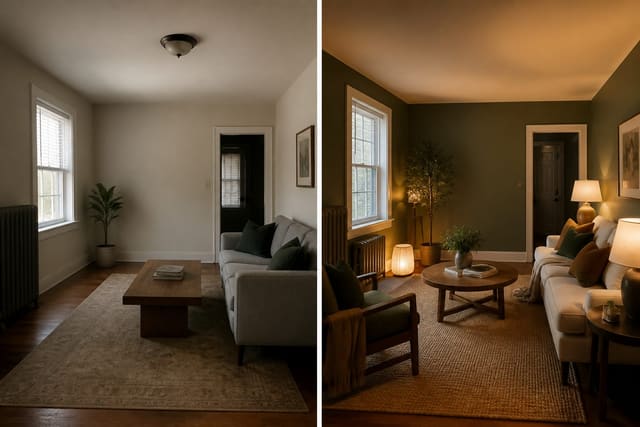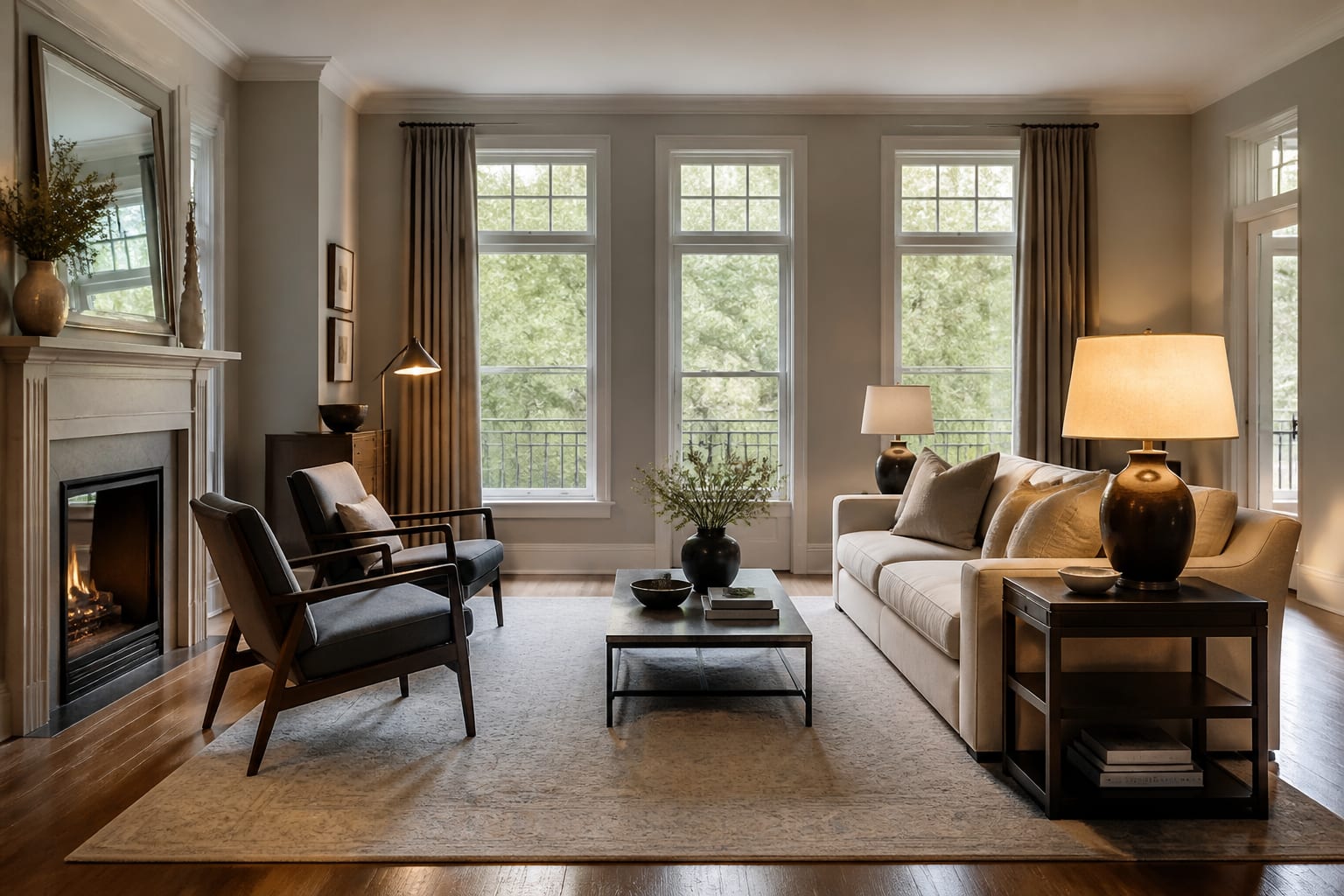
The most realistic AI room design app in 2026 starts with your actual room photo, keeps the architecture recognizable, and shows changes that could survive measurement. A glossy fantasy render is worse than no preview because it makes bad decisions feel confident. Realism means the window, floor, ceiling height, traffic path, and furniture scale still make sense, not just that the sofa looks expensive.
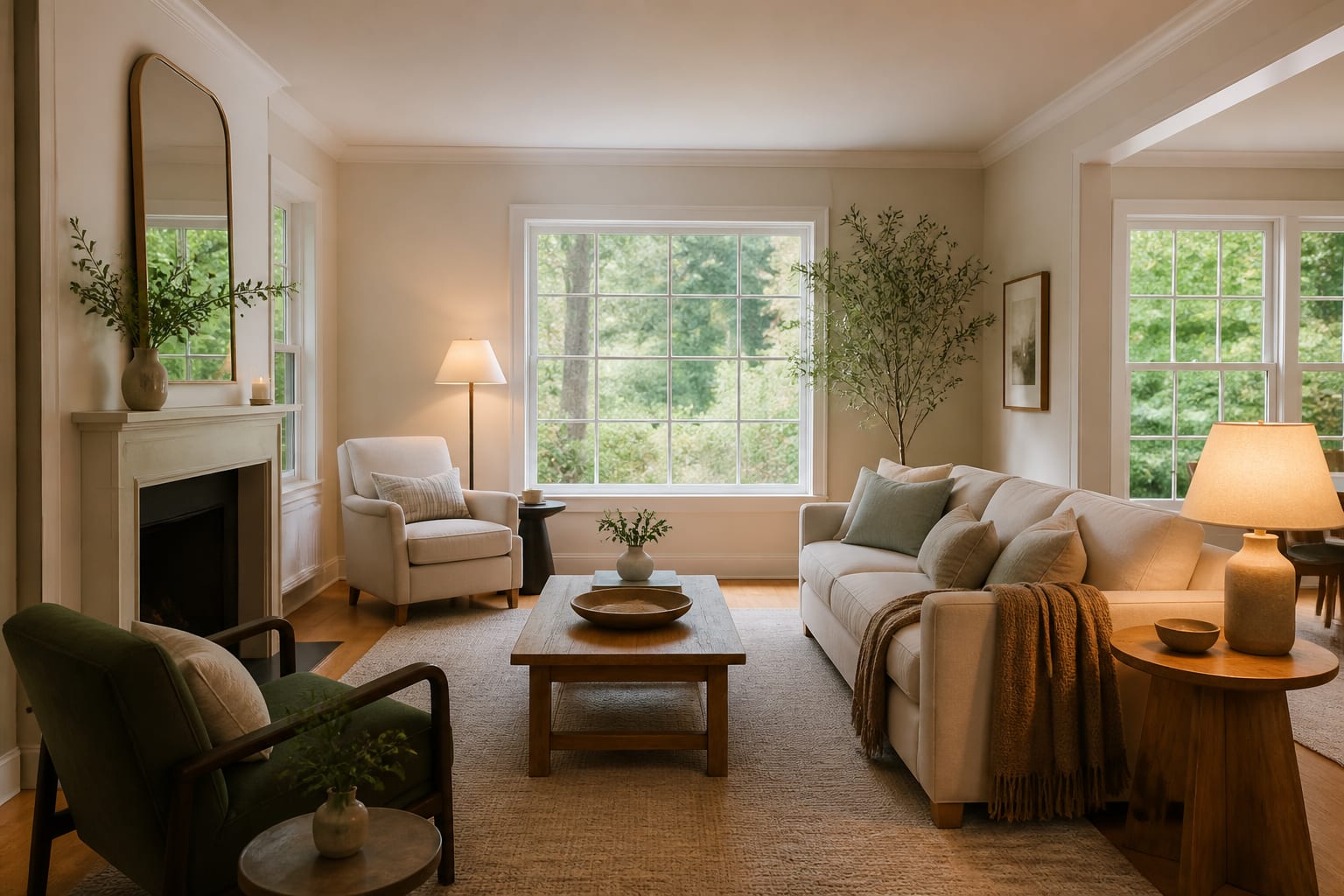
What makes an AI room preview look believable instead of glossy?
A believable preview protects the room's original structure while changing only the surfaces and furnishings you intend to test. If the app removes a low window, straightens a sloped ceiling, or turns beige carpet into oak without permission, the image may be pretty but it isn't reliable guidance.
The first test is architectural memory: camera angle, ceiling plane, door locations, window size, and built-ins should stay close to the uploaded photo. An 8 ft. ceiling shouldn't come back looking like an 11 ft. loft.
The second test is scale discipline. A 96 in. sofa can look calm in a render, but if the real wall is only 104 in. wide, the app hasn't helped you. Main walkways generally need 30 to 36 in. of clearance, and dining chairs need room to pull back without hitting a wall.
The third test is light honesty. North-facing rooms, yellow bulbs, black window frames, and glossy tile all affect color, and a good tool suggests warmer walls or softer lamps without making every room look shot at golden hour. For more on getting cleaner outputs, see this guide to photorealistic AI room results.
Which photorealistic AI room design tool should you choose?
Choose the tool that matches the decision you're making, not the tool with the flashiest gallery image. For most real bedrooms, living rooms, rentals, or open-plan spaces, Re-Design is the best starting point because it's built around the upload-photo-and-preview loop.
| Decision point | Re-Design | General image generator | Floor planner or CAD-style app |
|---|---|---|---|
| Best use | Fast realistic previews from your actual room photo | Broad mood images and style language | Exact footprints and construction planning |
| Realism strength | Keeps the existing room in the conversation | Creates atmosphere quickly | Handles measured geometry directly |
| Main weakness | Still needs samples and measurement checks | May invent architecture or ignore scale | Slower for pure visual direction |
| Best user | Homeowner/renter comparing styles before shopping | Person building a loose inspiration board | Person confirming furniture physically fits |
| Risk if misused | Treating a concept as a shopping list | Believing a fantasy room belongs to your house | Modeling details before choosing the look |
Use Re-Design for believable style, palette, and lighting direction from a real photo, then verify the physical parts yourself. Use a measured planner when a sectional must fit through a stair turn or a table needs chair pullback. Use general AI models for prompt language, not as final judge of your room. An honest interior AI app review is worth reading since sample images often hide real-home problems like mixed flooring and old radiators.
The realism tests that expose weak AI interiors
Run a preview through these checks before it influences your cart:
- Fixed architecture: confirm the same windows, doorways, ceiling lights, radiators, vents, and built-ins are still present or logically handled.
- Largest furniture dimensions: translate suggested pieces into real sizes, such as an 84 in. sofa, a queen mattress at 60 by 80 in., or an 8 by 10 ft. rug.
- Walk paths: keep roughly 30 to 36 in. on main routes; be suspicious of previews where every patch of floor is filled.
- Color against existing undertones: test paint on at least two 12 by 12 in. areas since warm oak, gray carpet, or black window frames can pull a palette off course.
- Lighting temperature: living rooms and bedrooms usually feel best around 2700K to 3000K; colder bulbs flatten neutrals and harden white walls.
A realistic preview also shows restraint. If every version adds fluted panels, marble, and museum-sized art, the app may be styling over the problem rather than solving it. A larger rug, lower contrast, warmer lamps, and one wall color that finally agrees with the floor often does more.
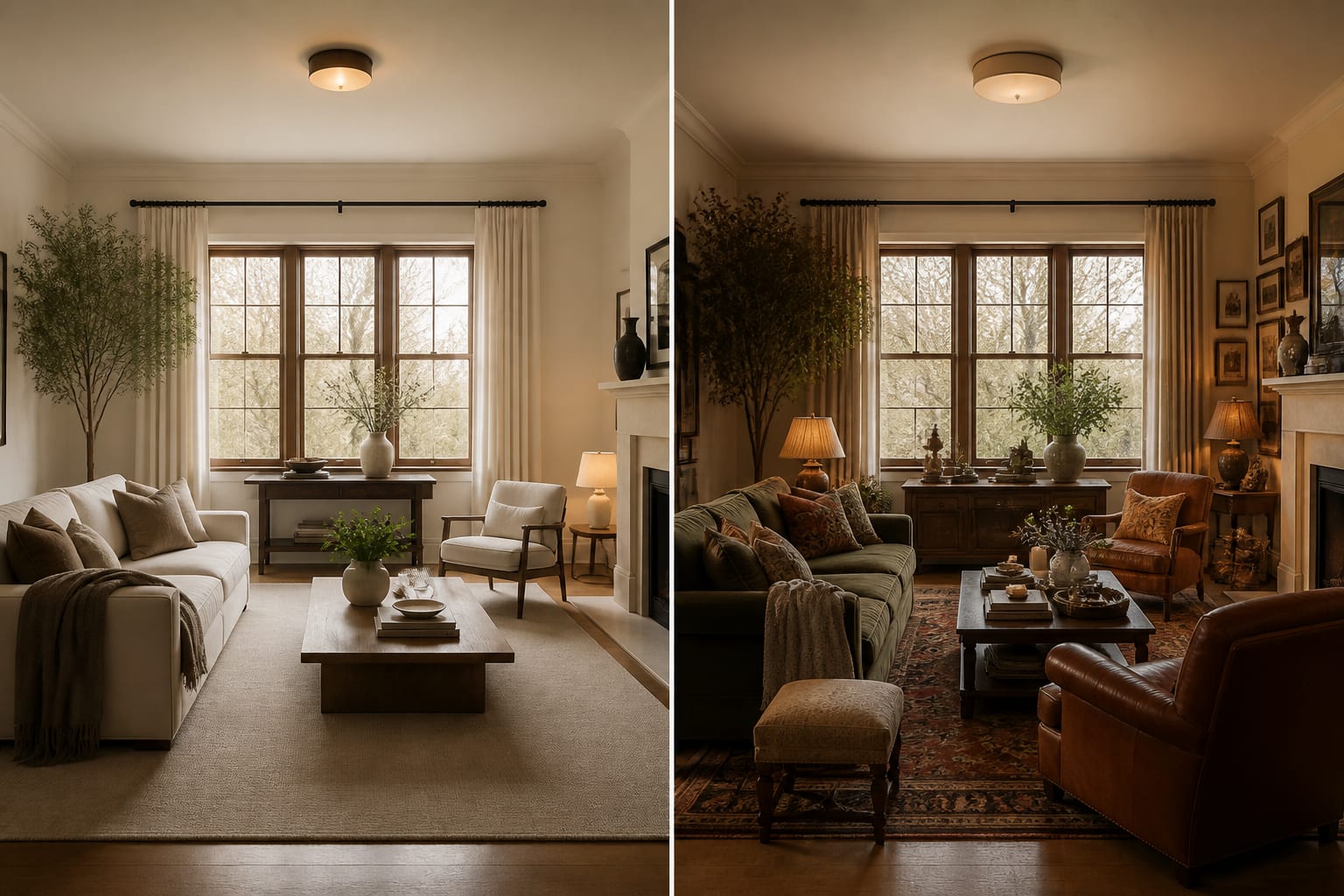
How should you use AI to judge realism before you commit?
Upload a straight, bright photo showing the floor, ceiling, windows, doorways, and any furniture that must remain. A cropped corner shot can't protect you from a chair blocking a closet or a rug floating awkwardly mid-room.
- Generate three controlled previews with the same major furniture: one warmer neutral version, one stronger color version, one more tailored version with better lighting and storage.
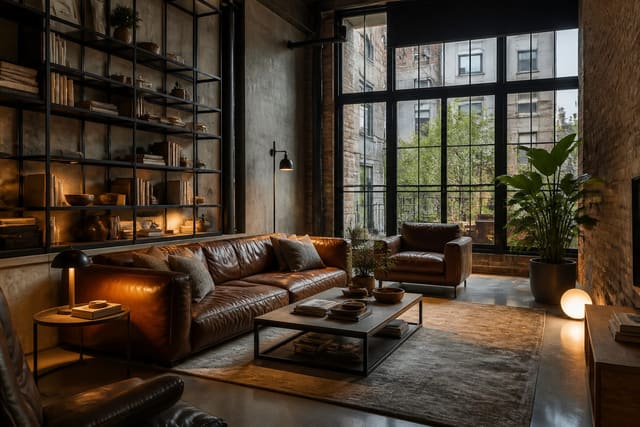
- If testing an industrial look, keep it restrained; black metal, leather, and concrete only read as intentional when scale and warmth are controlled. Compare against AI industrial interior design ideas if the room starts feeling unfinished.
- Run a second pass changing fewer things at once, such as the same wall color with a larger rug, or the same sofa with better lamps.
- Save the strongest preview, then list the implied rug size, sofa width, table diameter, curtain height, lamp height, bulb temperature, and paint family.
- Order samples or tape outlines for anything expensive, custom, or hard to return before buying.
The best result is rarely the wildest image. It's the version where the room still looks like yours, just edited with better judgment.
What realism mistakes make AI rooms look fake?
The most common mistake is mistaking surface polish for design credibility. A room can have perfect shadows and cinematic light while proposing furniture that doesn't fit.
- Deleting the hard constraint: if beige carpet or a bulky sectional is staying, keep it in the photo and prompt; a preview that only works after removing the hard part isn't useful.
- Changing everything at once: swapping sofa, rug, wall color, ceiling fixture, and flooring in one pass makes it impossible to tell which choice helped.
- Accepting impossible neatness: AI rooms hide cords, pet beds, and clutter; add closed storage and a real landing zone before copying the look.
- Buying from the screen too fast: screens flatten texture and fabric weight, so order swatches for upholstery, curtains, rugs, and paint before committing.
The decision that keeps a preview honest
The honest way to use the most realistic AI room design app is to let it speed up visual comparison while refusing to let it replace physical proof. Re-Design can show whether your room wants a calmer palette, a larger rug, warmer light, or a different furniture balance in minutes, and that speed keeps you from shopping blind.
Frequently Asked Questions
What is the most realistic AI room design app?
The most realistic app is a photo-based tool like Re-Design that preserves your room's existing architecture, scale, and lighting rather than generating a generic fantasy space. Realism depends on keeping windows, ceiling height, and furniture proportions consistent with your actual photo, not on how polished the render looks.
Can AI room design apps get furniture size wrong?
Yes. AI previews often suggest furniture that looks proportional on screen but doesn't match real dimensions, such as a sofa too wide for the wall. Always translate suggested pieces into real measurements, like an 84 in. sofa or an 8 by 10 ft. rug, and confirm clearance before buying.
How do I test if an AI room preview is trustworthy?
Compare the generated image against your original photo to confirm windows, doorways, and built-ins are unchanged, then check furniture scale, walkway clearance, color undertones, and lighting temperature. If the app quietly redesigned the room's architecture instead of the furnishings, treat the result as inspiration only.
Should I trust AI-generated paint colors without samples?
No. Screens smooth out undertones and lighting differences that samples reveal in person. Test any suggested paint color on at least two 12 by 12 in. areas of your actual wall before committing, especially in rooms with warm floors or unusual window light.
Is Re-Design better than a general AI image generator for room design?
For real rooms, yes. Re-Design keeps your actual photo's structure and constraints in the result, while general image generators can produce beautiful but architecturally impossible spaces. Use general AI tools for style vocabulary or mood boards, not as a final judge of what will fit your room.