AI interior design cost ranges from free limited previews to paid subscriptions, credits, or project plans, with price rising as tools add saved projects, sharper exports, and shopping support. Pay only when a plan answers a decision that would cost more to get wrong, like choosing a sofa or rug size, not just a paint mood.
How much does AI interior design cost?
A free tier usually lets you upload a room photo and generate a few concepts at no cost. Paid tiers charge by subscription, credit pack, or project because they store rooms, generate more renders, keep revision history, and sometimes link designs to real products.
Compare pricing by the decision it solves, not by the cheapest entry point. A free preview is enough for choosing between warm white and mushroom walls. A paid plan earns its cost when you need to test three layouts for a 10 by 12 foot bedroom, save the strongest versions, and share them before buying an 8 by 10 rug or 30 inch nightstand.
What are you actually paying for?
Price differences usually come down to usefulness after the first image. A single render is fun, but value appears when the tool revises without losing fixed facts: floor color, window size, ceiling height, doorways, and furniture that must stay.
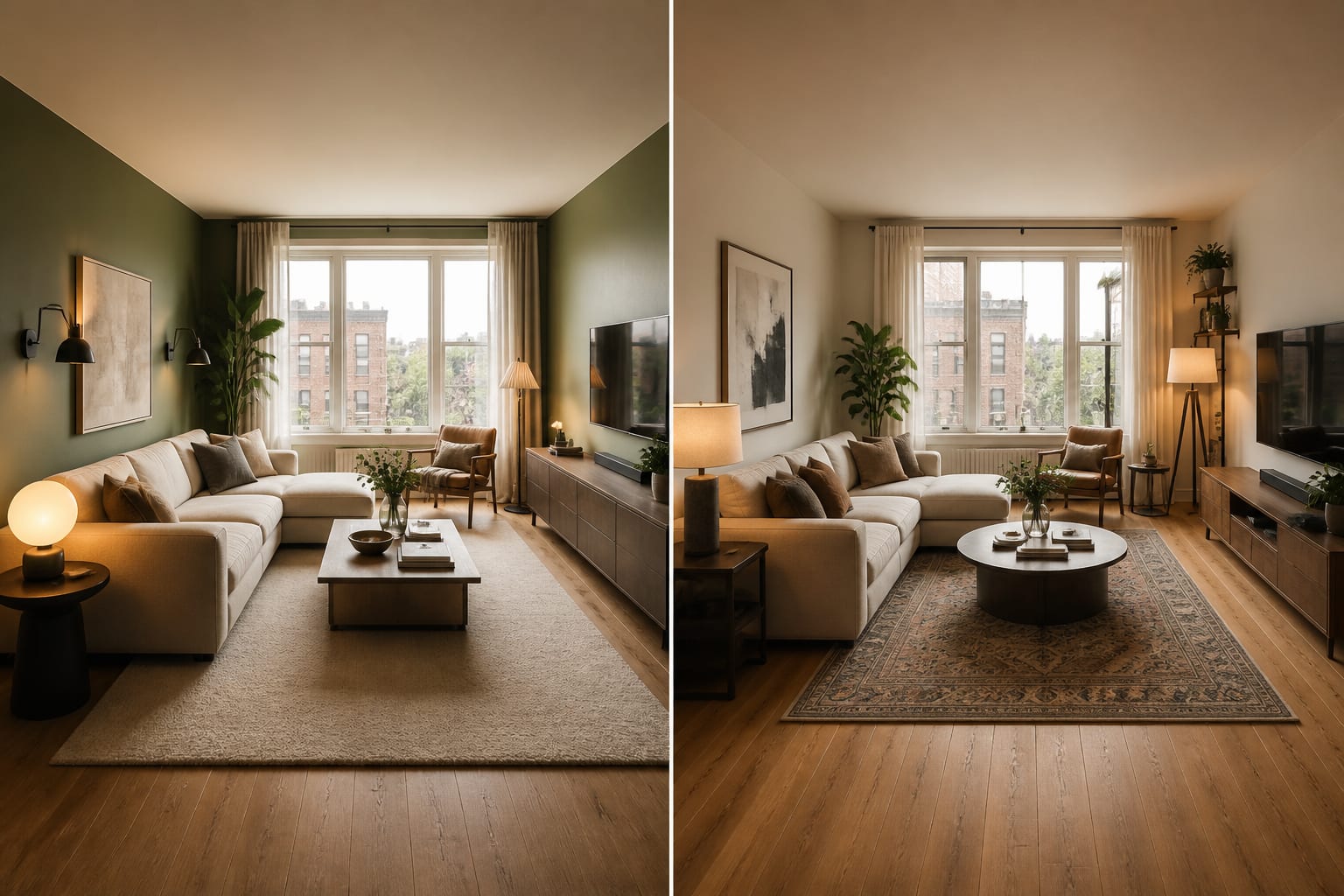
Paid plans typically add: - More generations and style tests, so you can compare a warm modern living room, a traditional version, and an organic version while keeping the same 84 inch sofa and oak floor visible. - Saved rooms and revision history, useful when comparing a 72 inch console against an 84 inch console over several days. - Sharper exports for showing a contractor, partner, or landlord a real concept instead of a blurry mood image. - Product or shopping direction, moving you from a pretty chair to actual width, seat height, fabric, and delivery limits.
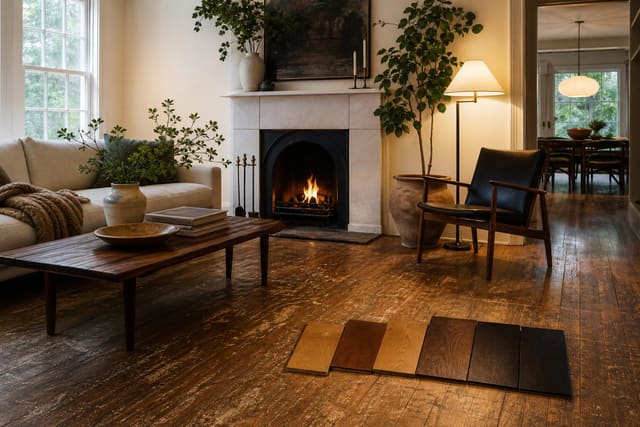
This mirrors physical projects: deciding whether to save a wood floor takes more than a hunch, and the tradeoff in refinishing hardwood versus replacing it depends on condition, thickness, labor, and target look. AI design is cheaper, but it should reduce uncertainty the same way.
Which pricing model fits your project?
The right model depends on how many rooms you're testing and how final the output must be. A one-room experiment doesn't need a whole-home plan, and a renter testing curtain height shouldn't pay like an owner planning built-ins.
- Free previews — visual, reversible questions, like testing sage walls, cream bedding, or darker wood before buying 24 by 36 inch paint samples.
- Short paid subscription — repeated comparisons across a living room, bedroom, and office, testing 2–3 versions per room over a weekend.
- Credits — narrow, image-heavy questions, such as comparing an 8 by 10 rug against a 9 by 12 rug, or 2700K lamp warmth against a cooler wall color.
- Project-based or designer-assisted — rising construction or purchasing risk, where built-ins, electrical work, cabinet changes, or ceiling details appear in the preview.
Construction-adjacent ideas mislead most. A coffered ceiling looks simple in a render but quickly becomes carpentry, layout, height, lighting, and finish work — see coffered ceiling DIY cost for how to price permanent changes. If a suggestion touches wiring, framing, plumbing, or millwork, treat the subscription fee as the smallest number in the room.
Common AI interior design cost mistakes
The most common mistake is paying for more images when you need a better brief. If every result looks slightly wrong, the problem is often missing constraints, not the plan tier.
- Unlimited generations too early — volume hides weak judgment. Start with one clean photo, name the fixed facts, and generate 2–3 focused options first.
- Cheapest plan for a high-risk purchase — a $1,200 sofa, 9 by 12 rug, or full storage wall needs saved comparisons and measured follow-up, not one image.
- Treating product links as proof — a shopping suggestion doesn't know your stair turn, doorway width, or return policy. Verify sofa depth, table diameter, fabric, and delivery size before it becomes a cart.
- Paying AI to solve construction — if the image shows moved plumbing, a removed wall, or custom cabinetry, use it to ask better questions, not to approve scope.
- Ignoring your time cost — if a cheap tool keeps deleting the window you said to keep or ignoring an 8 foot ceiling, the lower price isn't saving you much.
Use AI design to preview value before you pay
Test the workflow before committing to a bigger plan. Upload a clear photo, ask for one specific change, and check whether the result respects the room's nonnegotiables — keep the gray sofa, oak floor, white trim, and 8 foot ceiling, then test a warmer look with a larger rug, walnut storage, cream curtains, and two shaded lamps.
Watch what the app gets wrong before admiring what it gets right. If it keeps the architecture stable and makes the next physical test obvious, a paid plan is worth it. If it invents daylight, swaps furniture you said to keep, or makes a 96 inch sofa look harmless in a narrow room, save your money.
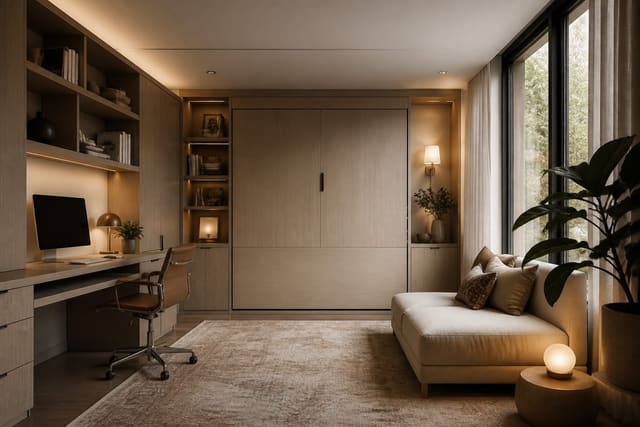
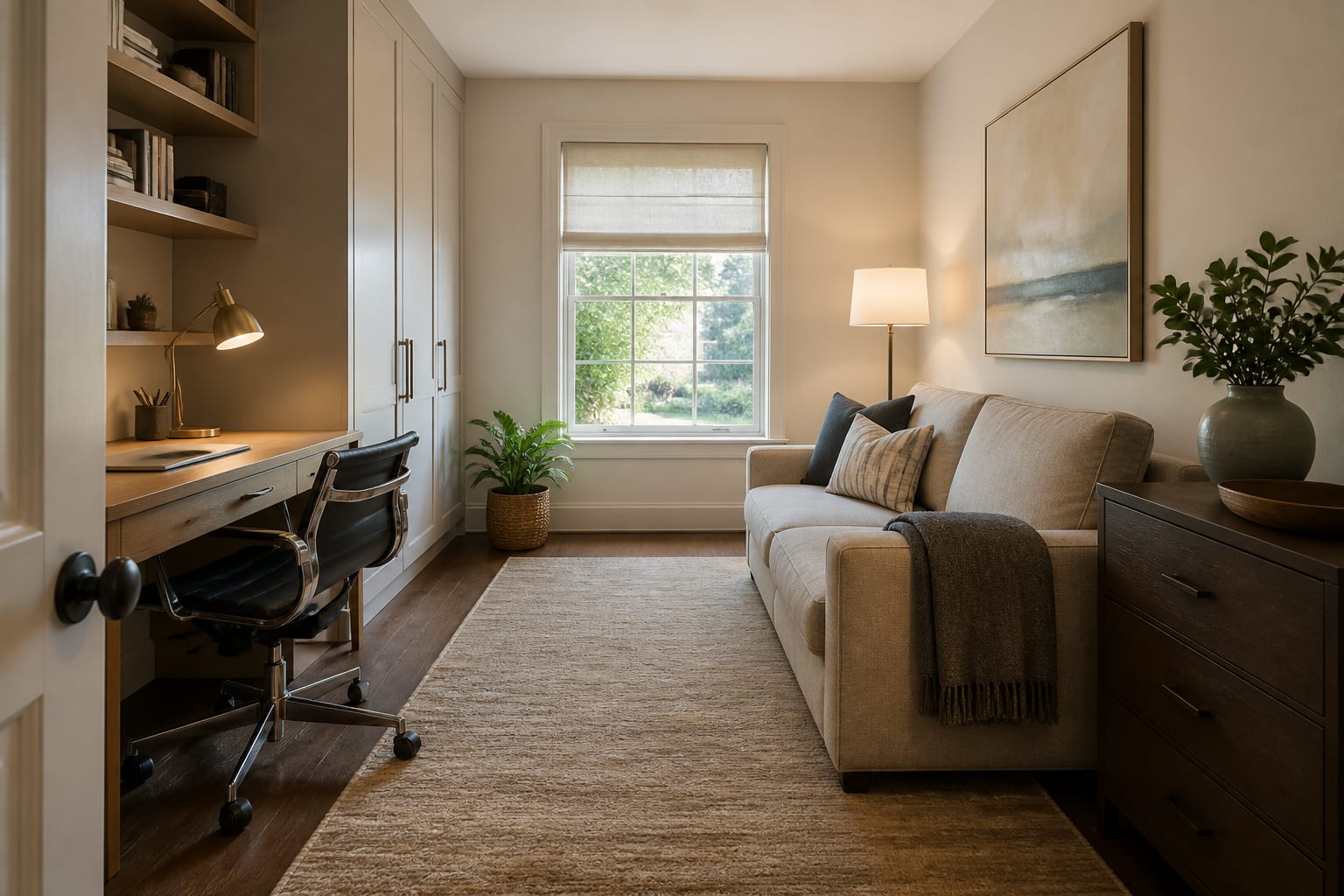
AI is most valuable when one room does two jobs, since a static mood board rarely shows the tradeoff. If a guest room also needs to be an office, compare the cost of a better AI plan against buying the wrong sleeper sofa or desk — see AI dual-purpose room design for how previews prevent awkward purchases.
When is the cost worth paying?
AI design earns its cost when it helps you reject bad decisions faster: saving the room, refining prompts, comparing 3–5 serious options, and turning the best image into sizes and material direction.
It's not worth paying for entertainment, vague style labels, or endless versions of a room you aren't ready to measure. Write the decision in one sentence first — choose wall color for a north-facing bedroom, test a sectional in a 12 by 15 foot living room, or plan a rental-friendly office with no drilling — and pay only if the app answers that sentence better than guessing.
The cost should always be smaller than the mistake it prevents. Paying to avoid the wrong rug size or an oversized desk is smart; paying repeatedly for images that never become measurements or a shopping brief is just expensive procrastination.
Frequently Asked Questions
Is AI interior design free to use?
Most apps offer a free tier that generates a handful of room concepts from an uploaded photo. Paid tiers add saved projects, more generations, sharper exports, and shopping links, which matter once you're comparing real purchases like a sofa or rug.
When should I pay for AI interior design?
Pay when the decision carries real cost or risk, such as sizing a sectional, choosing cabinet color, or planning a dual-purpose room. Free previews are enough for reversible choices like testing a paint color or bedding combination.
Can AI design tools replace a contractor?
No. AI renders help test layout and style ideas, but any suggestion involving wiring, plumbing, framing, or custom millwork needs a contractor's estimate before you treat it as real scope.
How do I avoid wasting money on AI design credits?
Start with one clean room photo, list the fixed facts you want kept (floor, windows, ceiling height, furniture), and generate 2–3 focused options before buying more credits. If the tool ignores your constraints, more images won't fix that.
Are AI furniture suggestions safe to buy from directly?
Not automatically. Always verify sofa depth, rug size, table diameter, and delivery dimensions against your room before purchasing anything the AI suggests, since it doesn't know your stairwell, doorway width, or return policy.