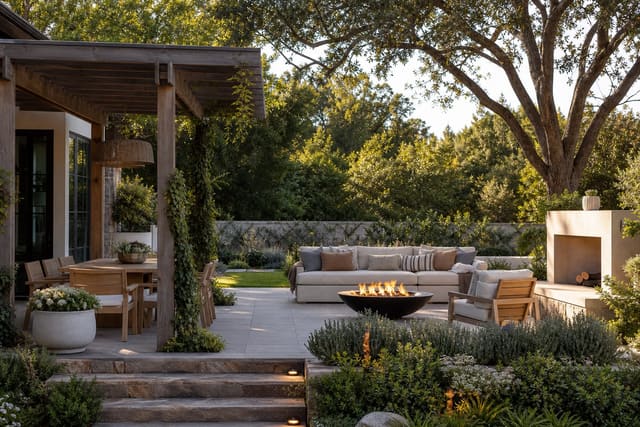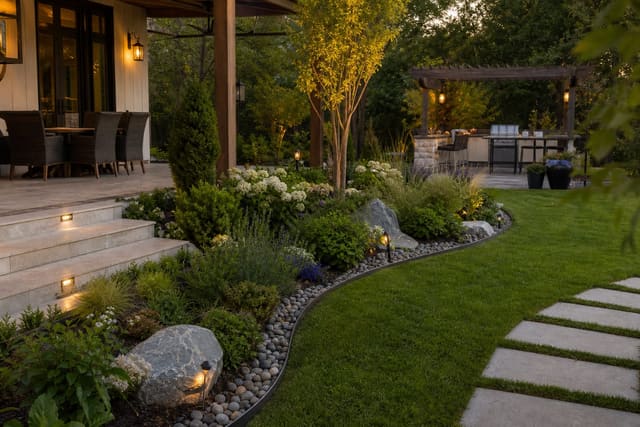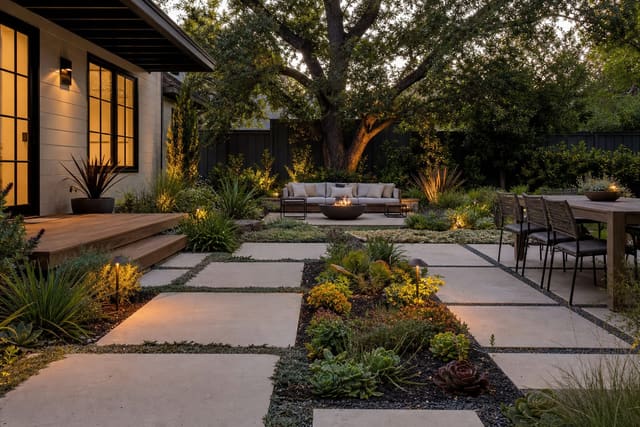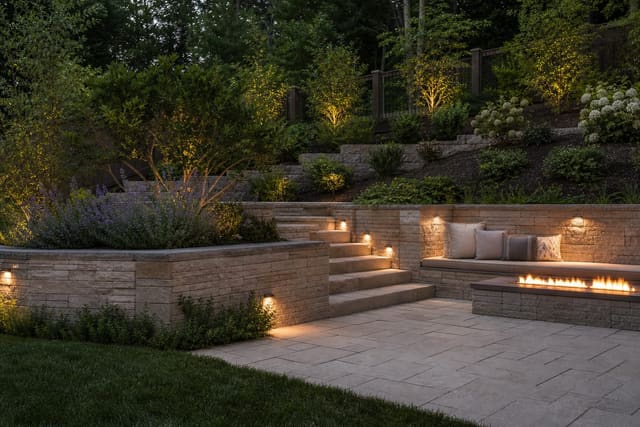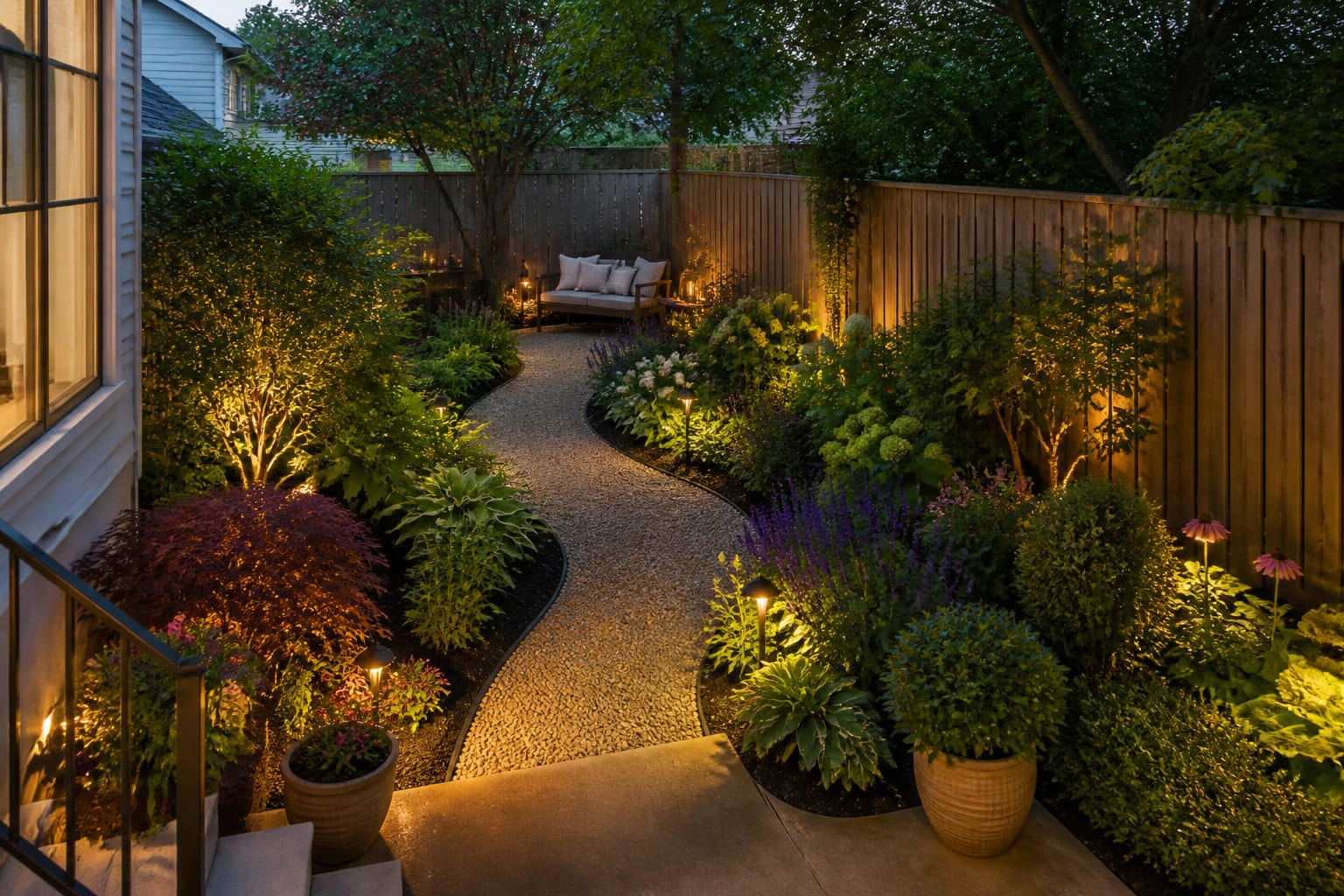
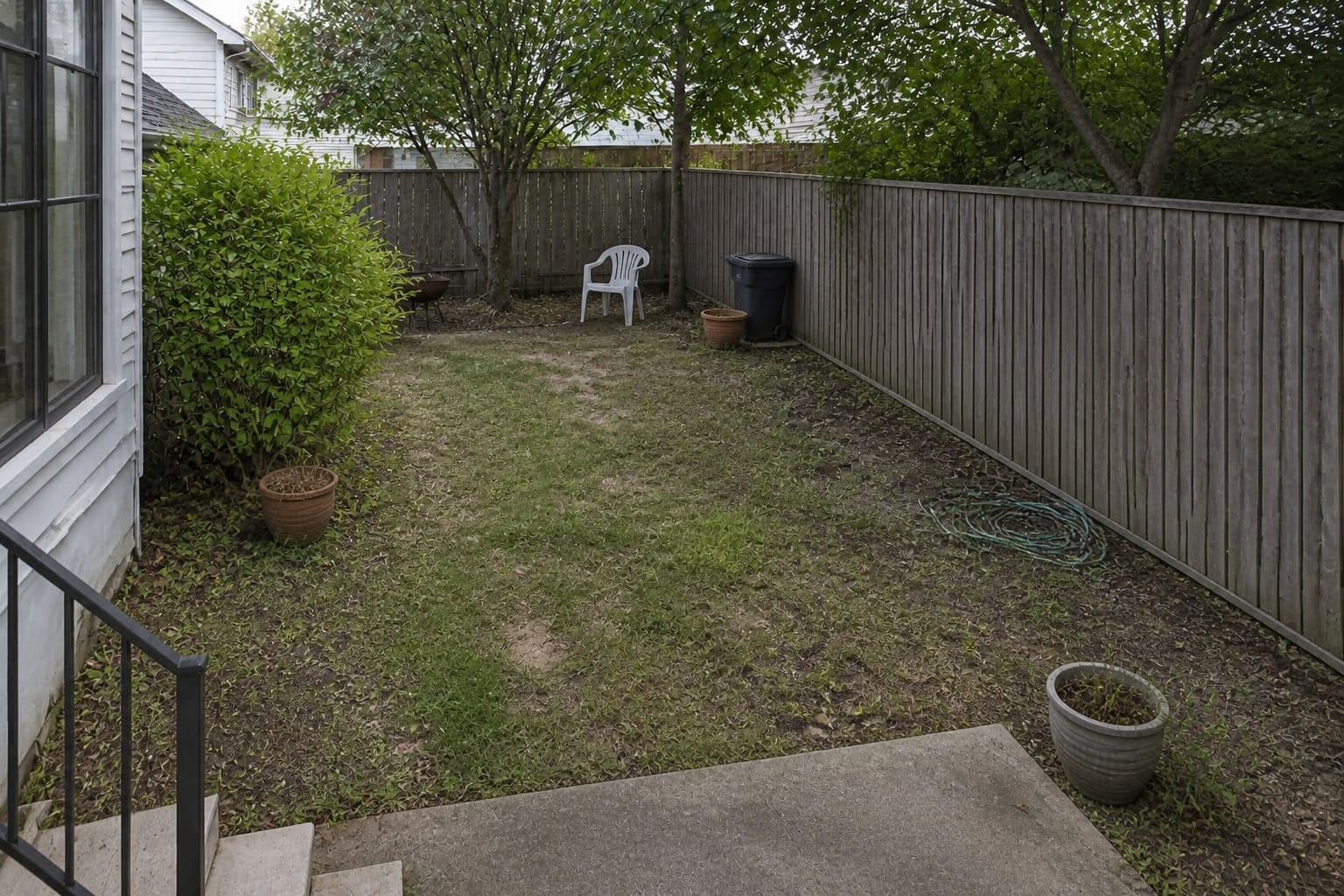
AI garden design tools work best when they turn a real garden photo into believable options for beds, paths, planting layers, edging, and shade, rather than generating a fantasy scene. Skip tools that ignore your existing fence, slope, or trees, because a misplaced tree is harder to fix than a bad sofa.
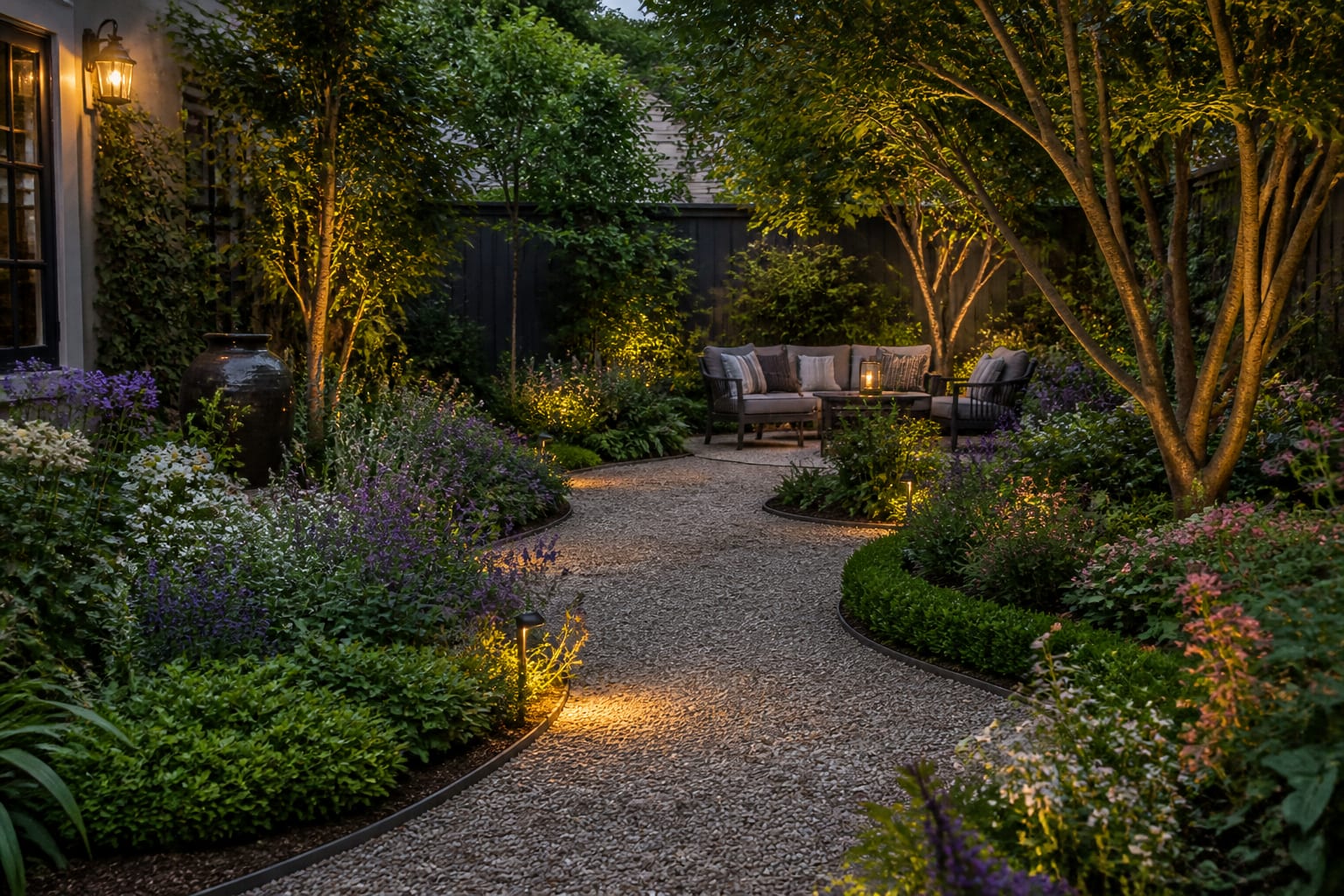
Which AI garden design tools are worth using?
A garden tool earns its place only if it helps you decide shape, scale, and hierarchy, not just flower color. Structure comes first: paths, bed edges, vertical planting, open lawn or gravel, and the view from inside the house.
Look for three abilities: photo upload of your actual garden, preservation of fixed elements like fences, walls, gates, sheds, and mature trees, and support for specific requests such as a curved perennial border, raised beds, or a shaded seating nook.
Clear edges matter too. If your beds blur into lawn, check garden bed edging ideas that define the shape before asking for more plants. Edging tells you where maintenance starts and stops.
What should garden planning AI show before you buy plants?
The best garden planning AI shows circulation, bed depth, mature plant scale, sun logic, and maintenance access before a bloom palette. A tool that hands you lavender and hydrangeas without asking about sun exposure or mature spread is styling a screenshot, not designing a garden.
Check these before trusting a preview:
- Keep primary paths at least 36" wide; shrubs will lean in by midsummer.
- Set shrubs 18"–24" from siding at planting time for airflow and mature growth.
- Build mixed borders 4'–6' deep for real layering and privacy.
- Mix height bands: groundcover under 12", perennials 18"–36", shrubs 3'–5', plus one taller accent.
- Preserve access to hose bibs, gates, meters, drains, and bins.
If your lawn is the weak link, don't ask for more flowers to distract from it. Compare gravel, clover, native meadow patches, or planted courts using lawn alternative ideas for outdoor spaces.
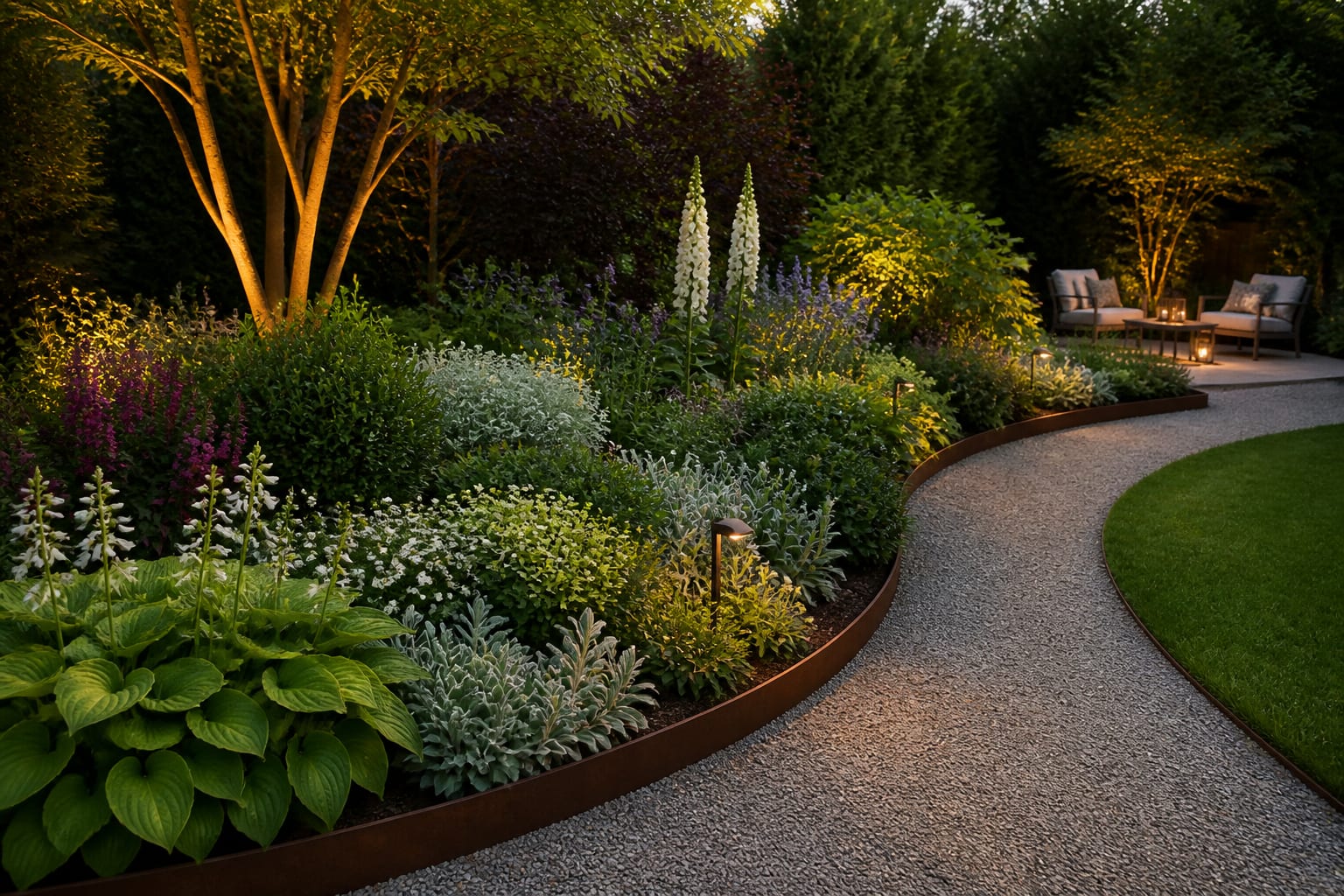
Fast preview, planting planner, or landscape service: which do you need?
Choose the tool by the decision at hand. Fast AI previews give visual direction, planting planners handle species and climate fit, and a human designer handles grading, drainage, and structural work.
| Option | Best for | Watch out for | Use it when |
|---|---|---|---|
| Photo-based AI preview | Testing bed shapes, paths, privacy screens, seating, and overall style from one photo | May invent impossible plant combos or ignore drainage and utilities | You need 3–5 visual directions before spending money |
| Planting planner or database | Matching plants to sun, zone, water needs, bloom time, spacing | Can feel diagrammatic; may not show the whole yard | You know the layout but need a smarter plant list |
| Landscape design service | Grading, retaining walls, drainage, irrigation, large trees, contractor-ready detail | Costs more and takes longer | The work is permanent or expensive to redo |
Combine categories: use a preview to test path and bed shape, then a planting planner to make the list behave in your climate. If the preview suggests terracing or major grade change, read retaining wall design ideas for sloped yards before treating any AI image as buildable.
What mistakes do people make with AI garden design?
Most AI garden mistakes happen when the image looks finished but the outdoor logic is missing.
- Naming a style before sun exposure. "Cottage garden" means different things in full sun, dry shade, or coastal wind; set light and maintenance level first.
- Letting the tool erase real constraints. A fence, AC unit, slope, or muddy dog path is often exactly what the design needs to solve.
- Trusting scale from the rendering alone. A shrub that looks 24" tall may mature at 6', and a tree placed 3' from the house can become a pruning problem.
- Ignoring seasonal gaps. A spring-lush border can look bare in winter or scorched in August; ask for evergreen structure or grasses for year-round shape.
- Treating hardscape as background. Narrow, slippery, or poorly graded paths and steps undercut even the best planting.
How do you use AI to preview your garden before you commit?
Upload a straight daylight photo showing the house edge, fence, gate, trees, lawn, and any awkward service areas. Don't crop out the compost bin or bare patch if the redesign needs to address it.
A grounded prompt beats a vague one: "Redesign this small back garden while keeping the existing fence, maple tree, brick patio, and side gate. Add a 36" gravel path, deeper curved planting beds, low-maintenance shrubs, pollinator perennials, warm 2700k path lighting, and a small bench in shade. Reduce lawn but leave an open area for a dog. Do not add a pool, pergola, or major construction."
Run three versions with different priorities, such as low-maintenance, colorful perennial, and privacy-focused. Compare structure first: which version makes the path obvious, hides the fence without stealing the yard, and leaves space for tools, bins, pets, or a chair you'll actually use?
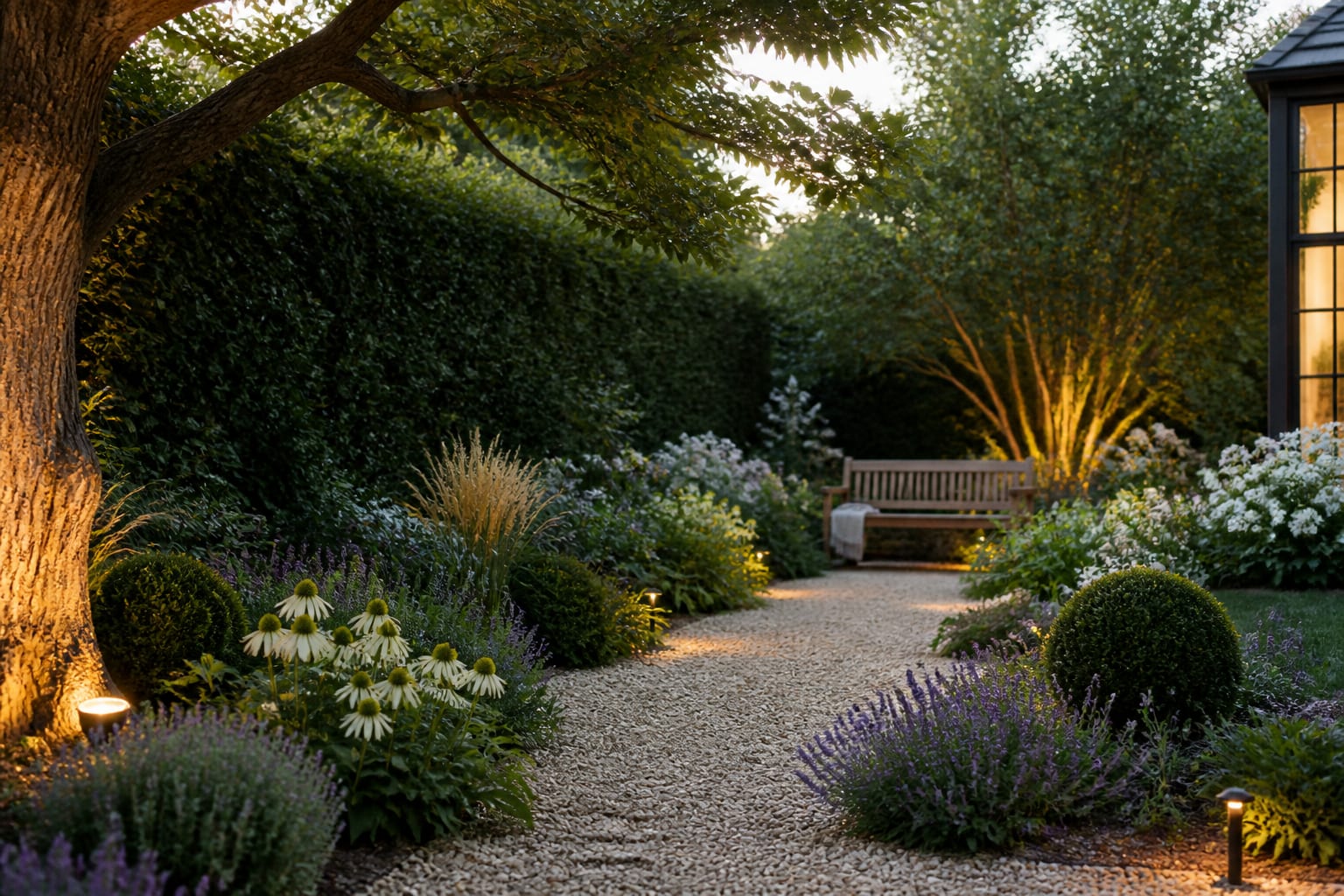
Before buying anything, check plant hardiness, mature width, water needs, pet toxicity, local invasiveness, irrigation, and soil prep. Order physical samples for gravel, edging, pavers, or mulch before committing to a large area. A garden preview should build confidence about direction, not replace the checks that make outdoor spaces last.
Frequently Asked Questions
What makes an AI garden design tool trustworthy?
A trustworthy tool starts from your actual garden photo, keeps existing fences, slopes, and mature trees, and lets you request specific structural changes like paths, beds, or seating. A generic fantasy garden with no scale or seasonal logic is a mood board, not a planning tool.
Can AI tell me which plants will actually grow in my yard?
Not reliably on its own. Use a photo-based preview for layout and style direction, then run the plant list through a dedicated planting planner that checks sun exposure, hardiness zone, water needs, and mature spread before buying.
Do I still need a landscape designer if I use AI?
Yes, for anything structural. AI previews test bed shapes and planting styles well, but grading, drainage, retaining walls, irrigation, and large tree placement need a professional who can verify site conditions in person.
How wide should garden paths be in an AI-generated plan?
Primary paths should be at least 36" wide so people can carry tools or a tray of food without shrubs brushing them by midsummer. Narrower paths look fine in a static rendering but become annoying once plants fill in.
What's the biggest mistake people make with AI garden previews?
Trusting scale and fullness from a single image. A shrub that looks small in the preview can mature at 6 feet, and a lush spring border can go bare in winter, so verify mature size and year-round structure before finalizing anything.