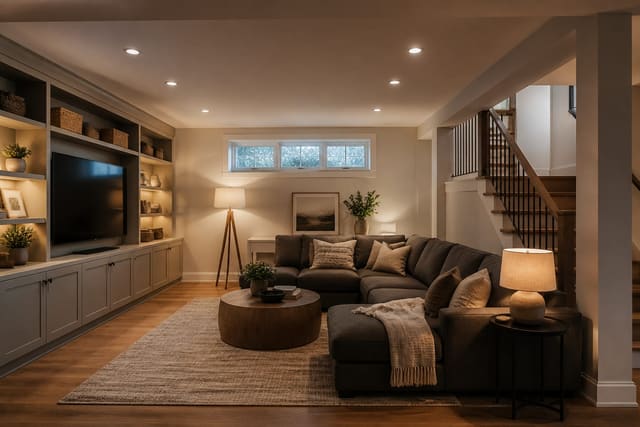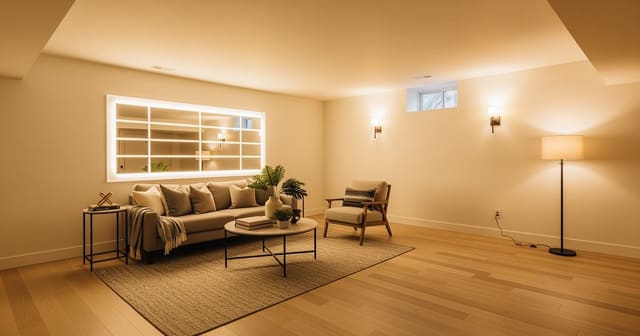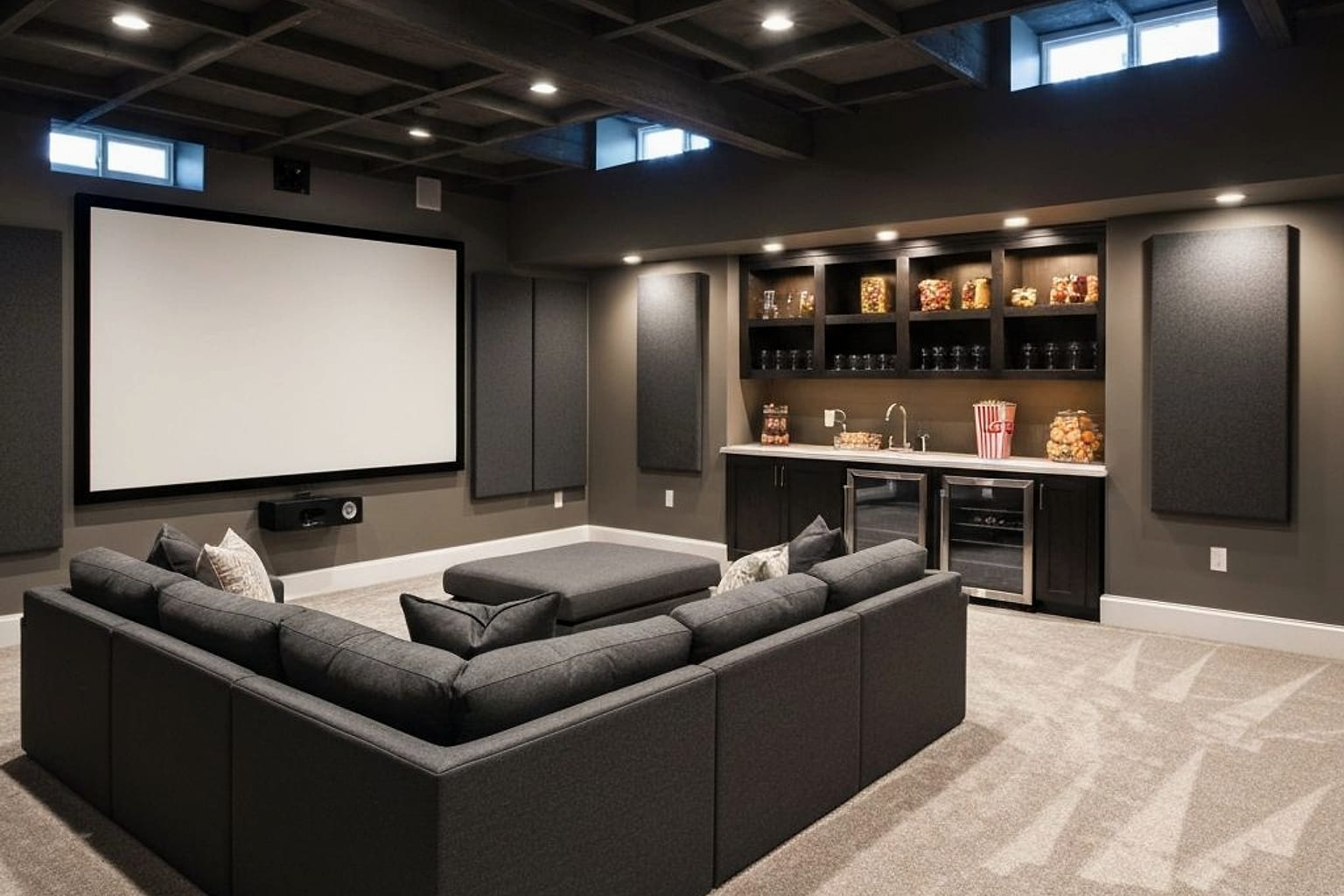
AI home theater design previews screen scale, seating distance, acoustic panels, and lighting blackout on one uploaded photo, so the room plays movies instead of looking like a TV in a beige box. Skip the big sectional purchase until screen size, speaker positions, door swing, ceiling height, and light leaks are settled. This works especially well on empty or awkward basements, turning "someday" ideas into a buildable plan.
Can AI design a home theater from one basement photo?
Yes. Re-Design uses your uploaded photo to generate room-specific concepts for seating, screen placement, lighting, wall color, flooring, and acoustic treatment. It works best when the photo shows real constraints: ceiling line, posts, bulkheads, windows, stair opening, outlets, and any door that needs to swing fully open.
The value is fast comparison: one version can show a wall-mounted screen with a low console, another a projector with a darkened ceiling, a third a hybrid media room with bookshelves and gaming storage. For basements, respect the room's real bones — a 7-foot ceiling under ductwork rules out large pendants, and a support post near the screen wall must be absorbed into the layout, not ignored. Study the wider basement first with AI basement design ideas for awkward lower levels before narrowing in on the cinema wall.
What changes between the blank basement and the cinema concept?
The biggest shift isn't furniture, it's hierarchy. A blank basement makes every wall feel equally usable, which is why people buy a recliner before knowing where the screen belongs. A strong cinema concept picks one primary wall, darkens the visual field around it, and makes everything else serve the viewing experience.
| Blank-room problem | Cinema-concept move | Spec to test in AI |
|---|---|---|
| Screen floats on a pale wall | Paint or panel the screen zone darker than side walls | Charcoal, deep olive, espresso, or warm black |
| Seating blocks the main path | Rotate or reduce the sectional before buying | Keep 30-36 inches of walkway near doors/stairs |
| Ceiling feels low | Use flush fixtures, sconces, or cove lighting | Avoid hanging fixtures under 8-foot ceilings |
| Room sounds hollow | Add rugs, curtains, fabric seating, panels | Soft surfaces on at least two opposing planes |
| Gear looks messy | Give components a cabinet, niche, or shelf | Leave ventilation space around receivers |
Use satin or matte paint near the screen, not glossy, since projectors and large TVs punish reflective surfaces. An 8x10 or 9x12 low-pile rug softens sound and anchors the seating zone; blackout shades on even one small window stop daytime glare from washing out the image. If the theater is one zone in a larger basement, keep the floor logic and trim color consistent with the rest of the level. For whole-level planning, see AI basement design for layout and finish choices so the movie box doesn't fight the stairs or storage.
Test this on your own room photo with ReDesign before finalizing the layout — keep the ceiling line, daylight, and main path visible so the preview solves the space you actually have.
What layout decision makes or breaks movie night?
Seating distance makes a room feel custom instead of improvised. A 100-inch screen wants roughly 8 to 12 feet of viewing distance depending on resolution and room width; a sofa only 6 feet from a huge screen feels intense in the wrong way, especially for subtitles, sports, and gaming.
Plan the first row before dreaming about a second. A reclining sofa often needs 10 to 14 inches of rear clearance when fully open; individual recliners can need more width than a sectional seating the same number. A raised back row typically uses a 14 to 18 inch platform, but only works if headroom and stair transitions stay safe.
Front left and right speakers should frame the screen, not sit randomly in corners, and the center speaker should sit near ear level or angle toward the seats, since dialogue clarity is the first complaint people raise. Side tables should stay 16 to 22 inches wide so snacks have a spot without blocking the aisle. If the basement also needs exercise equipment, don't point a treadmill at the screen wall unless that's genuinely the use case — compare against AI home gym design for shared basement layouts before committing to flooring or wall panels that only serve one activity.
How do you use AI to preview a theater before committing?
Change one major variable per preview. Upload a straight, wide photo from the back of the proposed seating area, then generate one version with a large TV, one with a projector and screen, and one hybrid media room layout, keeping the same camera angle for fair comparison.
Be specific about limits in the prompt: "7 foot 6 inch ceiling," "support post near seating," "one small window," "carpet stays." These details push the concept toward something buildable — style words alone, like "cozy modern theater," are too vague to be useful.
Ask for practical versions before dramatic ones. One preview should show cable management, a media cabinet, dimmable sconces, blackout shades, and a washable rug; another can test the moodier version with a darker ceiling, acoustic slat wall, and LED cove lighting. The useful comparison is which concept still works after adding remotes, blankets, and a path to the bathroom.
Once the preview looks right, translate it into priced decisions: screen size, sofa width, rug size, paint finish, light temperature, shade type, speaker locations, storage depth. If the image shows wall sconces but the wall has no wiring, decide between an electrician, plug-in sconces with cord covers, or a different lighting plan.
What home theater mistakes should you avoid?
- Buying the biggest screen possible. Oversized displays make small basements feel like the front row of a commercial theater and get tiring fast. Test the main seat location first, then choose a screen comfortable for a full movie.
- Leaving the ceiling bright white in a projector room. A pale ceiling reflects light back and weakens contrast. Darken the zone over the screen wall or use matte acoustic panels to calm the first reflection area.
- Relying only on recessed cans for lighting. Downlights glare on faces and rarely create theater mood. Use dimmers, wall sconces at 60-66 inches, LED strips behind trim, or table lamps outside the screen view.
- Ignoring sound until the room is furnished. Hard floors, bare drywall, and exposed glass make dialogue harsher. Add a rug, lined curtains, upholstered seating, and fabric panels before assuming more speaker power fixes it.
- Copying a sealed black-box theater into a flexible family basement. If kids play games or guests sleep there, design a media room instead. Storage ottomans, performance fabric, a 24-30 inch deep console, and warm dimmable lighting age better than fragile finishes.
For the broader upload workflow, use the AI design complete guide as the parent checklist, then return here for scale, light, and layout choices.
Frequently Asked Questions
Can AI design a home theater from one photo?
Yes. Upload a long-wall photo showing the planned screen wall and seating zone; the AI tests projector versus TV, riser height, recliner versus sectional, and acoustic panel layout while respecting ceiling height and door swings. Keep openings, ceiling line, daylight, and fixed storage visible in the photo for the most accurate preview.
How big should a home theater screen be?
Multiply the seating distance in feet by 5 for a rough diagonal in inches; a 12-foot distance suits a 100-120 inch projector or a 75-85 inch TV. Check the result against everyday use, since door swing, chair pullout, walkway width, and evening light matter more than a perfect catalog angle.
Recliner or sectional for a home theater?
Recliners suit serious viewing rows with cup holders and USB ports; sectionals suit casual family rooms used for lounging, naps, and reading. Generate one conservative and one bolder layout, then pick whichever still works with existing windows, trim, and floor color.
Does a home theater need acoustic treatment?
Yes. Fabric-wrapped panels at first reflection points and a thick rug under the seating row stop slap echo, and basements need extra bass traps in corners since concrete amplifies low end. Use the AI image to narrow priorities before ordering custom panels, then confirm real dimensions and clearances.
How do I control light in a home theater?
Use blackout shades on any window, dimmable warm 2700K wall sconces for ambient light, and no overhead lighting while the screen is on. Daylight at the screen kills contrast on both projectors and OLED TVs, so light control matters more than screen upgrades.
Ready to see this on your own room? Open Re-Design and run the preview before you buy, paint, drill, or move furniture.
Three transformations to try
1. Dedicated theater pass with projector, riser, and sconces 2. TV media room pass with sectional and acoustic panels 3. Basement theater pass with bass traps and blackout shades